
IT Disconnect, Reconnect and Cable Management
Presto Logistics provides professional IT disconnect, reconnect, and cable management services for corporate relocations nationwide. Based in Simi Valley, CA, we bridge the gap between physical moving and technical support. Our specialized IT technicians handle the physical migration of desktop computers, VoIP phones, and docking stations, ensuring that every workstation is powered on, tested, and neatly cabled. By offloading this labor-intensive task to us, you free up your internal IT department to focus on network architecture and server migration.
Plan your cutover weekend
No costTell us the seat count, both offices, and the Friday you're going dark.
Power-on self test on every machine before we leave. US DOT 1691575 · CA PUC MTR0191887
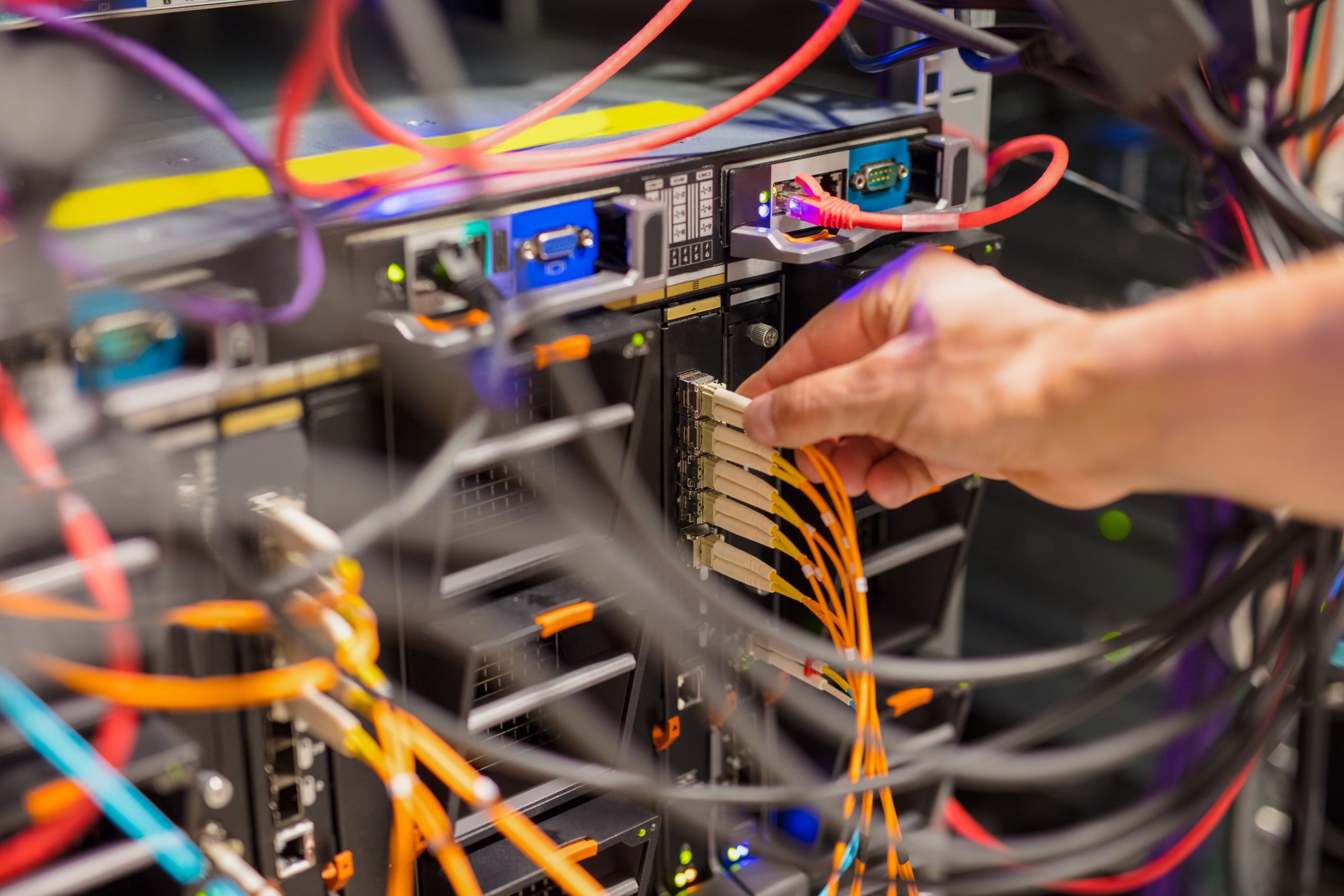
Employee Ready Day 1
The success of an office move is measured by one metric: can the staff work when they arrive on Monday?
- Staff log off, we move in
- We power down, label, disconnect, and bag all peripherals per specific user. Keyboards, mice, and cables stay with their owner.
- Transport in anti-static carts
- Dedicated computer carts with padded, anti-static bins rather than loose stacking in a truck.
- Rebuild to the photo record
- Every desk reconstructed at the destination, cabled, dressed, and tested.
- Power button, login screen
- Your employee sits down and works. No ticket, no waiting, no hunting for a cable.
People Are Particular About Their Desks
If an accountant has their phone on the left and dual monitors angled at 45 degrees, we replicate that setup exactly.
We use a photo-documentation or placement mat system to map the layout of the source desk and mirror it at the destination.
Fewer frustrated employees, and fewer help-desk tickets on the first day back.
Professional Cable Management and Dressing
We banish the spaghetti of wires under the desk.
Velcro, spines, and wire troughs
Our technicians use velcro ties to bundle power and data cords, never zip ties, which can damage cables and are difficult to remove. We route cables through the furniture's integrated grommets, wire troughs, and cable spines.
The result is a clean, trip-hazard-free workspace where the only visible cables are the ones absolutely necessary.
Ergonomic mounting: monitor arms and docks
Modern offices rely on dual or triple monitor setups. We are experts in installing and adjusting VESA monitor arms, and we secure docking stations under the desk or to the monitor arm to reclaim work surface.
We set the arm tension correctly so screens don't droop, leaving an ergonomic setup ready for the user.
VoIP and Network Patching
In modern offices, the desk phone often acts as the network bridge for the computer.
Managing the wall-to-phone-to-PC chain
If the phone isn't patched correctly, the computer won't get internet access. Our technicians understand this daisy-chain architecture.
We patch the Cat6 cable from the wall jack to the VoIP phone, then to the desktop PC. We verify link lights on all devices to ensure network connectivity is established before we walk away.
New Hardware Deployment and Equipment Refresh
Moving is often the trigger for upgrading technology. If you are buying new computers for the new office, we handle the rollout.
Unboxing, staging, and asset tagging
Instead of paying your network engineers to unbox 200 monitors, let us handle that part. We receive the new hardware, unbox it, assemble the stands, and place it on desks according to the floor plan.
We can also apply your company's asset tags and scan them into a spreadsheet, giving your IT Director a complete inventory map before the office opens.
Green disposal of legacy hardware
If you aren't bringing the old computers, we handle the disposal. We remove legacy equipment, wipe or shred hard drives for security, and recycle e-waste in accordance with R2 standards.
We also handle all the cardboard and styrofoam, so your new office stays clean. For end-of-life server hardware and certificates of destruction, see data center migration.
Hygiene and Equipment Sanitization
Computer equipment collects dust, crumbs, and germs. A move is the perfect time to clean it.
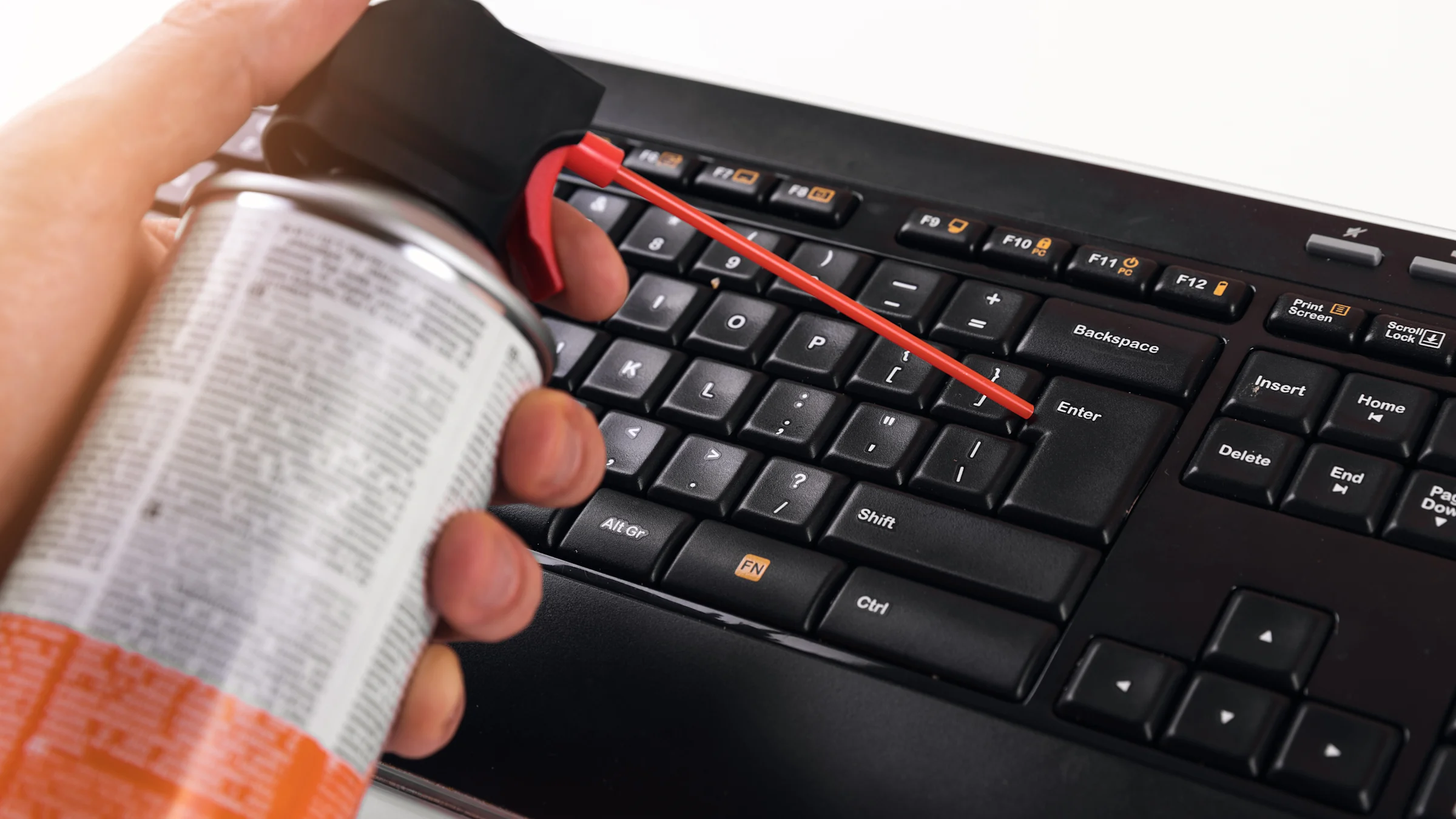
Anti-static cleaning and compressed air
Before reconnecting, we clean the equipment. We use compressed air to blow out keyboards and CPU vents, improving airflow and cooling.
We wipe down monitors, mice, and phones with anti-static isopropyl alcohol wipes to remove grime and fingerprints, giving the hardware a like-new feel for the employee.
Peripheral bagging per user
We ensure that one user's headset and mouse are bagged and labelled with their name. We never mix personal peripherals between users, preventing the spread of germs and ensuring staff feel respected at their new workstation.
Post-Move Support and Troubleshooting
Monday morning is the most stressful time for IT departments.
Floor walkers for immediate issue resolution
We station a team of technicians on site during the first day of business at the new location. These floor walkers patrol the office, acting as an extension of your help desk.
They instantly resolve minor issues: loose monitor cables, slightly misaligned screens, ergonomic adjustments. Your internal IT staff can stay focused on network and server issues.
The crash kit protocol
Cables break during moves. Power strips fail. Rather than delaying productivity while someone drives to a store, our support teams carry stocked crash kits on mobile carts.
- DisplayPort cables
- Power cords
- Ethernet patch leads
- Surge protectors
Missing cable or damaged connector, replaced from stock, employee back at work.
Why Presto Logistics Is the Partner Your IT Manager Needs
- Transportation services since
- 2007
- Vetted employees
- 30+
Your computers contain sensitive data. You cannot have day laborers handling them.
Presto Logistics uses vetted, full-time employees who are background-checked and trained in IT handling. We understand the difference between DisplayPort and HDMI, so connections are made correctly the first time.
Whether you are a startup with 20 machines or a call center with 500, we scale the team to fit the window. On large moves we deploy technical leads who supervise the disconnect and reconnect process, run quality control, and conduct a power-on self test on every machine before we leave the site.
For the server room rather than the desktop, see data center migration. For the furniture the desks sit on, see office cubicle installation.
Simi Valley Base, Corporate Relocations Nationwide
Corporate offices across Greater Los Angeles and nationwide.
Local moves run across the Valley and the LA basin, which means a Friday evening start is a short drive rather than an overnight positioning run. Interstate office relocations are handled from the same base.
- Simi Valley
- Chatsworth
- Woodland Hills
- Burbank
- Glendale
- Pasadena
- Los Angeles
- Culver City
- Santa Monica
- El Segundo
- Thousand Oaks
- Nationwide
Frequently Asked Questions About Desktop IT
Something not covered? Call 888-678-6151 and we'll walk the seat count with you.
Do you power on the computers after connecting them?
Yes. Every machine gets a Power-On Self Test before we leave the site, and on larger moves a Technical Lead supervises that check. We also verify link lights on the phone and the desktop so network connectivity is confirmed, not assumed. The goal is that your employee presses the power button on Monday morning and sees their login screen.
Can you cable manage our existing desks?
Yes, and it does not have to be part of a move. We bundle power and data cords with velcro rather than zip ties, route them through the furniture's integrated grommets, wire troughs, and cable spines, and leave a trip-hazard-free workspace where the only visible cables are the necessary ones.
What if a cable is missing or broken?
We replace it from stock on the spot. Our support teams carry crash kits loaded with spare DisplayPort cables, power cords, Ethernet patch cables, and surge protectors, so nobody loses an afternoon waiting for someone to drive to a store.
Do you assist with cable patching at the wall?
Yes. We patch the Cat6 run from the wall jack to the VoIP phone and on to the desktop, which matters because in most offices the phone acts as the network bridge for the computer. We verify link lights on every device before we walk away from the desk.
Send Us the Seat Count and We'll Build the Weekend
Leave us the details and let us make your moving stress-free with Presto Logistics.
Call 888-678-6151 or email info@prestomovers.net. Tell us how many seats, both addresses, and which Friday you're going dark. If you need floor walkers on the Monday, say so now so we can staff it.
Schedule a same-day callback
Pick a timeOr call 888-678-6151 directly. US DOT 1691575 · CA PUC MTR0191887